
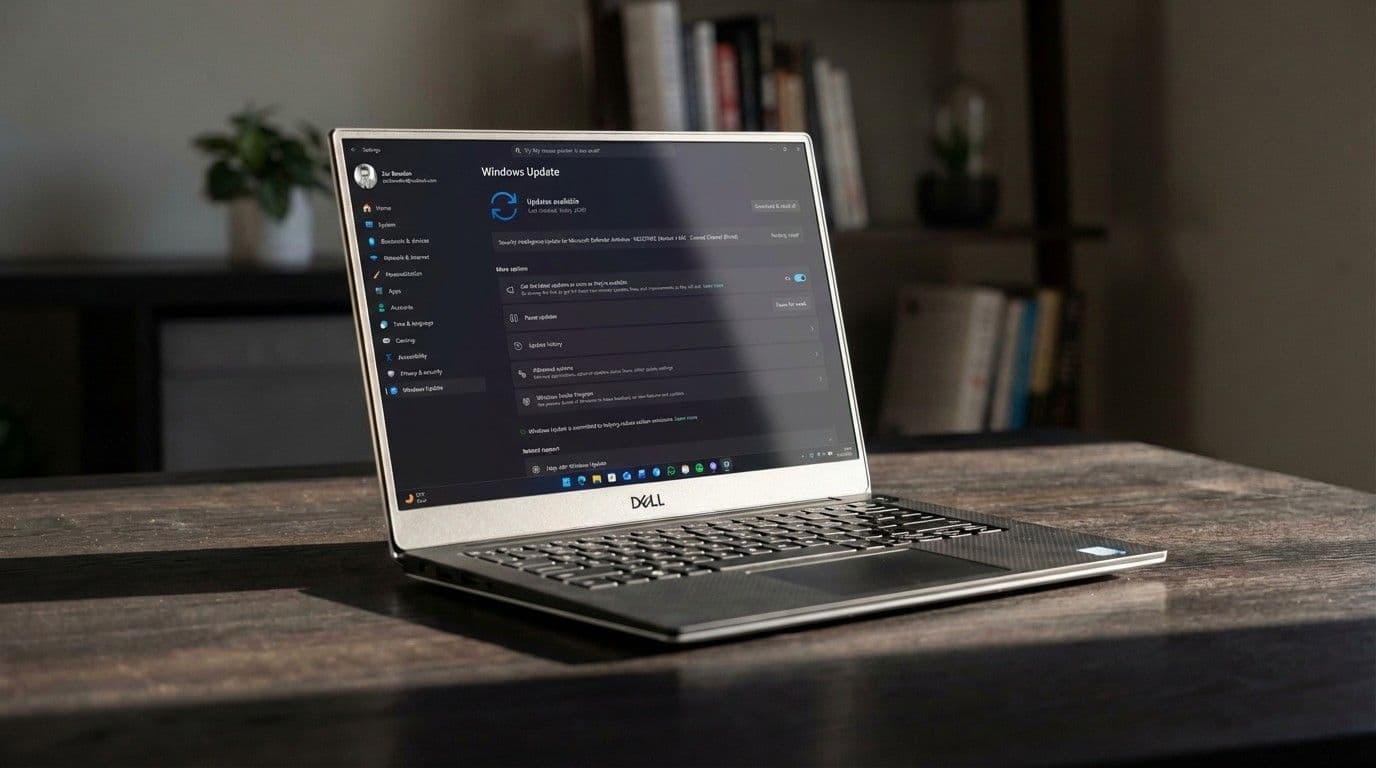
The Windows 11 non-security feature preview update for February just landed, and it's the first Windows update in a long while that includes a number of actually good changes. Here's what you need to know.
When you purchase through links on our site, we may earn an affiliate commission. Here’s how it works.
By submitting your information you agree to the Terms & Conditions and Privacy Policy and are aged 16 or over. You are now subscribed
Microsoft just issued the Windows 11 optional non-security update for February, and for the first time in a long while, it looks like an actually good update with some notable quality of life improvements, and no AI to be seen.
The update, dubbed KB5077241 is available to all Windows 11 users as an optional update that you can download now. If you choose not to install the update today, Microsoft will roll out its contents to you automatically with next month's Patch Tuesday updates on March 10.
Today's feature update comes with a number of nice additions and quality of life improvements. Microsoft says this update should improve reliability when waking from sleep, meaning you should notice your PC waking up faster and more consistently after installing this update.
This update also includes visual and performance upgrades across a number of system interfaces such as the sign-in screen, Settings app, and Taskbar, which are designed to make using Windows feel more responsive and fluid. Windows Search now also shows the number of results at the top of the panel, too.
There are also new features and additions that might actually be considered useful, too. There's now a built-in internet speed test button that you can access by right-clicking the network icon in the Taskbar, along with a new Camera setting mode that lets you virtually pan and tilt your camera view directly in the Settings app.
The update also includes niceties such as an updated selection of Emoji, built-in Sysmon, and a redesigned Widgets Panel that separates the widgets themselves onto their own dedicated page. Overall, this is a quality Windows 11 feature drop, and I'm hoping we see a lot more of this over the next year.
Here's the full change log for today's update:
All the latest news, reviews, and guides for Windows and Xbox diehards.
- [Emoji] New! The Emoji 16.0 release introduces a small thoughtfully curated set of new emojis, one from each major category. Each emoji carries timeless symbolism and practical versatility. These new emojis now appear in the emoji panel.
- [Backup & Restore] New! The first sign-in restore experience is now part of Windows Backup for Organizations, bringing this restore capability to more device types. This experience restores user settings and Microsoft Store apps automatically at first sign-in on Microsoft Entra hybrid joined devices, Cloud PCs, and multiuser environments. This capability helps create a consistent setup process during device refreshes, upgrades, or migrations.
- [Quick Machine Recovery] New! Quick Machine Recovery (QMR) now turns on automatically for Windows Professional devices that are not domainjoined and not enrolled in enterprise endpoint management. These devices receive the same recovery features available to Windows Home users. For domainjoined or enterprise managed devices, QMR stays off unless it is enabled by the organization.
- [Taskbar & System Tray]New! A builtin network speed test is now available from the taskbar. You can open it from the WiFi or Cellular Quick Settings, or by right-clicking the network icon in the system tray. The speed test opens in the default browser and measures Ethernet, WiFi, and cellular connections. This feature helps check network performance and troubleshoot issues.
- Improved: When the taskbar is set to uncombined and you have an app open with multiple windows, they no longer all move as a set to the overflow area when there is not enough space on the taskbar. Only the windows that don’t fit move to the overflow menu. This change prevents the overflow menu from appearing with large unused space.
- New! Group headers now show the number of results, so you can quickly see when more results are available. Select a group header to see all results for that group and hide results from other groups.
- New! You can preview search results by hovering over a result and selecting Preview to see the content without opening it.
- Improved: Updated the icon for the Search process in Task Manager so it now shows a magnifying glass
- Some of the dialogs in Storage Settings have been updated with a more modern design.
- Improved scanning performance for temporary files.
- Improved: You can now open a new File Explorer window more reliably. Holding the Shift key and selecting the File Explorer icon on the taskbar, or using the middle mouse button, now opens a new instance of File Explorer instead of the current one.
- Improved: File Explorer now includes an Extract all option on the command bar when you browse nonZIP archive folders.
- Improved: Reliability of displaying devices on the Network page in File Explorer.
- Improved: This update improves reliability when your PC wakes from sleep.
- Improved: Display-related performance improvements to help reduce the time for a PC to resume from sleep, especially when the system is under heavy load and in other scenarios.
A positive sign of things to come?
There's also no known issues with this update currently, which is a nice change of pace. Perhaps Microsoft really is serious about addressing "pain points" and improving the Windows OS for power users this year. If this keeps up, Microsoft might be onto a winning strategy.
Join us on Reddit at r/WindowsCentral to share your insights and discuss our latest news, reviews, and more.
Zac Bowden is a Senior Editor at Windows Central and has been with the site since 2016. Bringing you exclusive coverage into the world of Windows, Surface, and hardware. He's also an avid collector of rare Microsoft prototype devices! Keep in touch on Twitter and Threads","collapsible":{"enabled":true,"maxHeight":250,"readMoreText":"Read more","readLessText":"Read less"}}), "https://slice.vanilla.futurecdn.net/13-4-17/js/authorBio.js"); } else { console.error('%c FTE ','background: #9306F9; color: #ffffff','no lazy slice hydration function available'); } Zac BowdenSocial Links NavigationSenior EditorZac Bowden is a Senior Editor at Windows Central and has been with the site since 2016. Bringing you exclusive coverage into the world of Windows, Surface, and hardware. He's also an avid collector of rare Microsoft prototype devices! Keep in touch on Twitter and Threads
You must confirm your public display name before commenting
Please logout and then login again, you will then be prompted to enter your display name.
- 1Discord delays its global age verification update after widespread backlash, severing Persona ties — "We’re listening. We'll get this right"
- 2Microsoft just released an actually good Windows 11 update — with system performance improvements, better wake from sleep, and more
- 3Mortal Kombat's creator wants your opinion — what would be the best way for Xbox to bring back Killer Instinct?
- 4Blizzard just announced Overwatch Rush — a topdown mobile spinoff nobody asked for, but honestly looks kind of fun
- 5The Xbox controller everyone owns is still the one most people should buy


